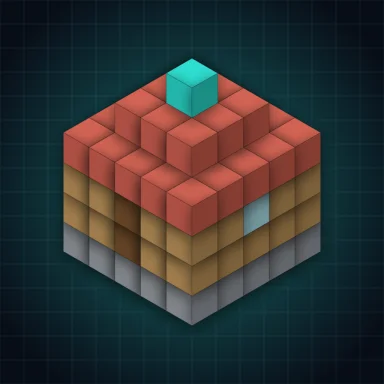
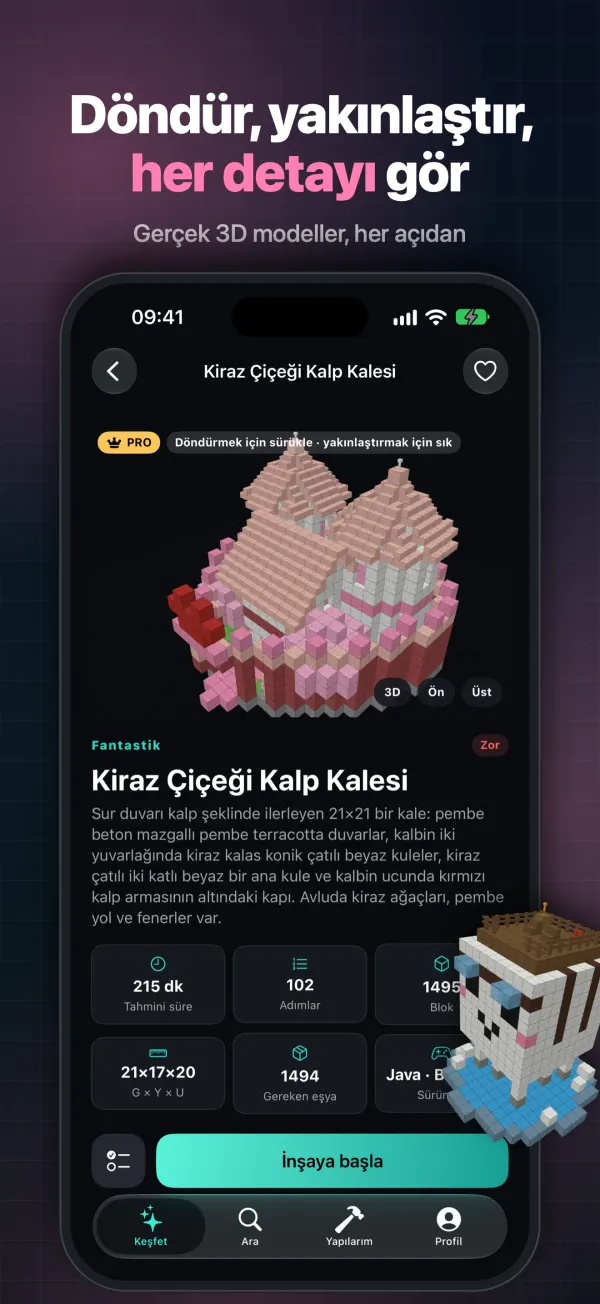
Rotate & zoom in 3D
Spin, pinch and peek inside real 3D models. See every block from every angle before you place it.
 600+ original builds
Blockprint turns ambitious block builds into simple, followable steps. Rotate a 3D model, build one layer at a time, plan your materials, and pick up where you left off. All guides are original content made for this app.
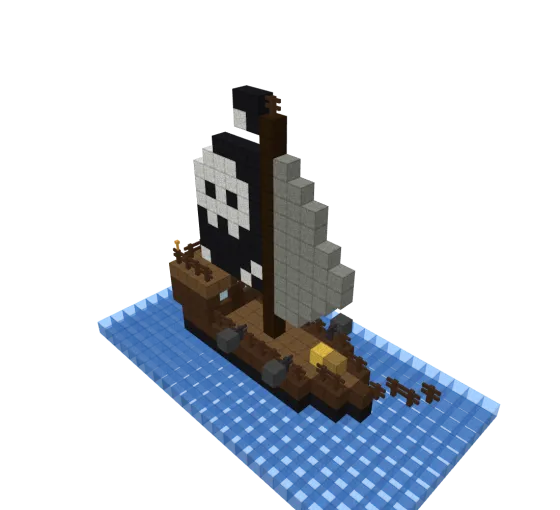
Everything you need to finish the build you've been dreaming about – no video pausing, no guessing.
Spin, pinch and peek inside real 3D models. See every block from every angle before you place it.
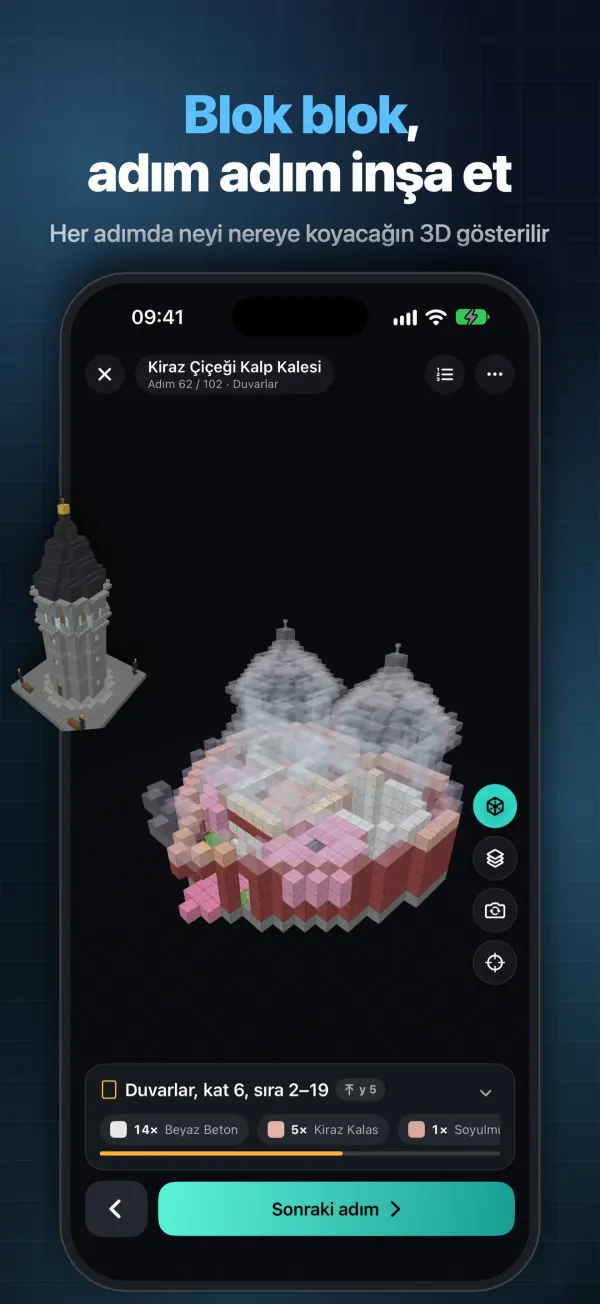
Each build is split into small layers and rows. Tap next and the 3D view shows exactly what goes where.
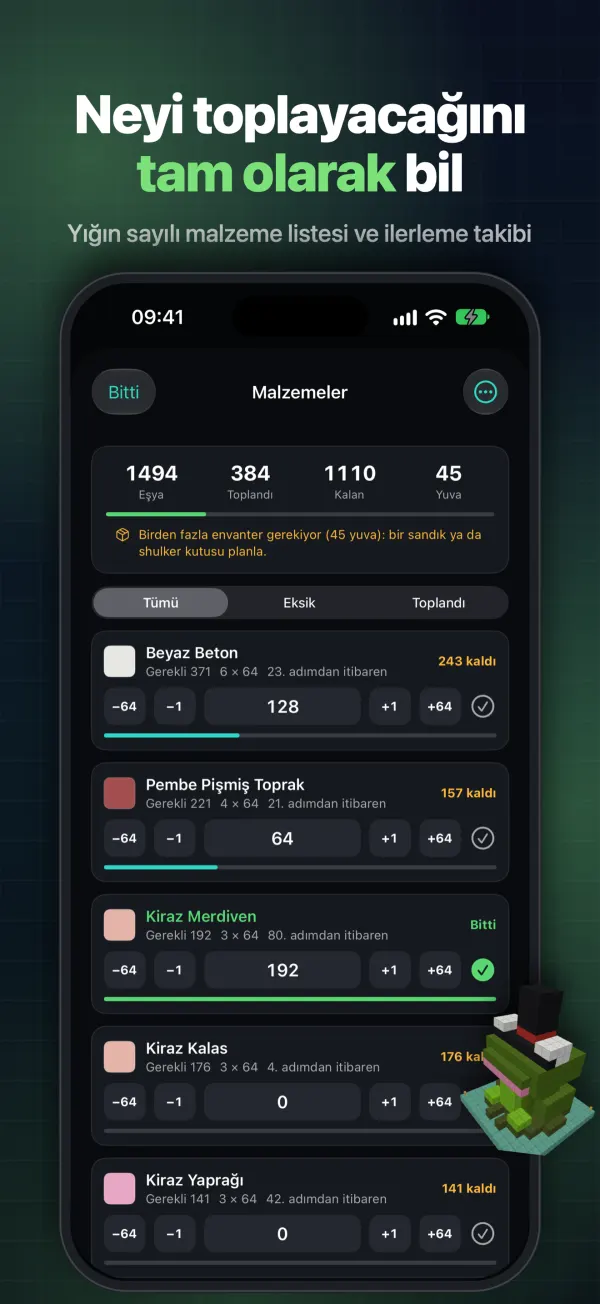
See what you have, what you need and what remains – with stack counts – for every build.
Guides are stored on your device, so you can build anywhere without a connection.
Fresh houses, portals, statues and seasonal builds arrive over the air – no app update needed.
Close the app anytime and continue from the same step. Java and Bedrock notes included.
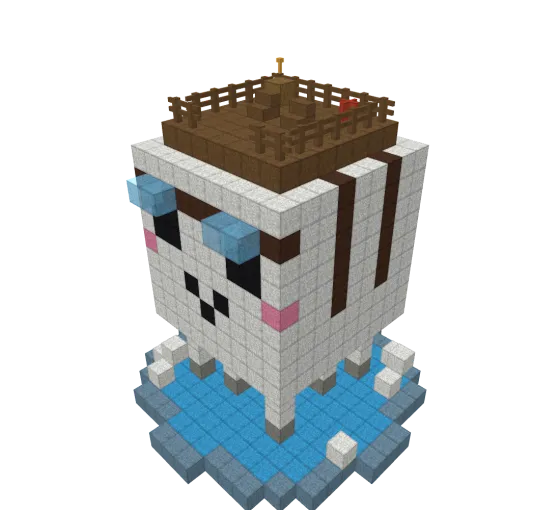
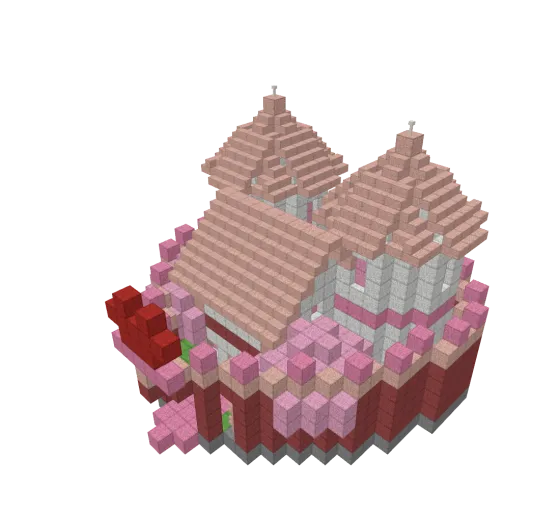
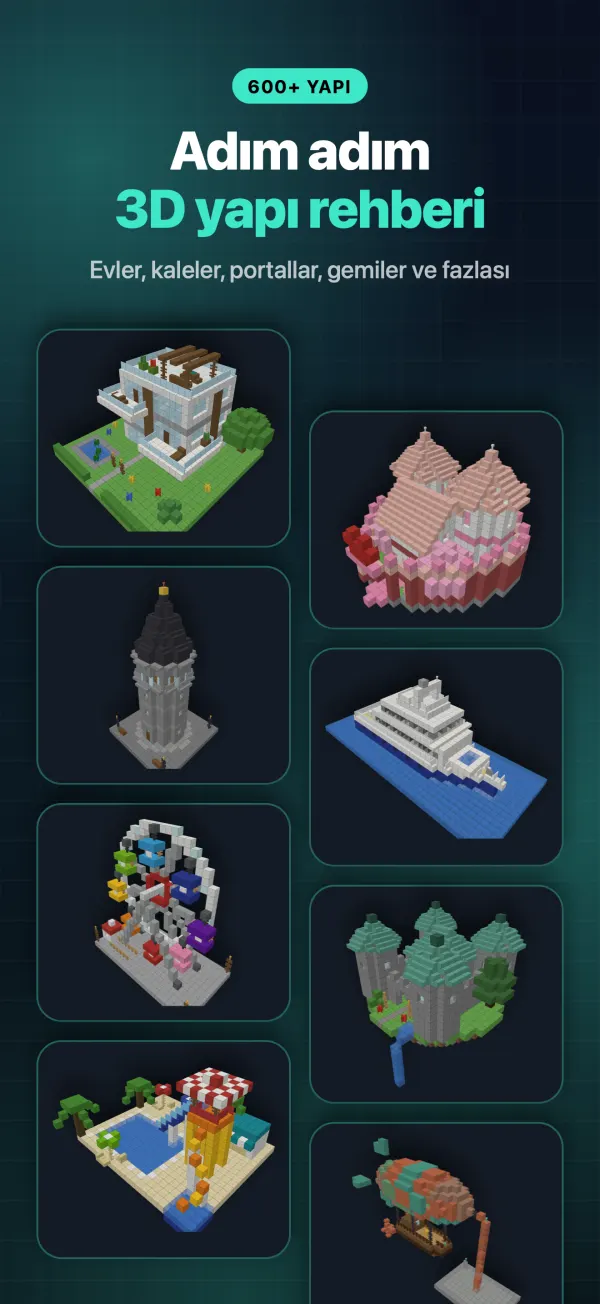
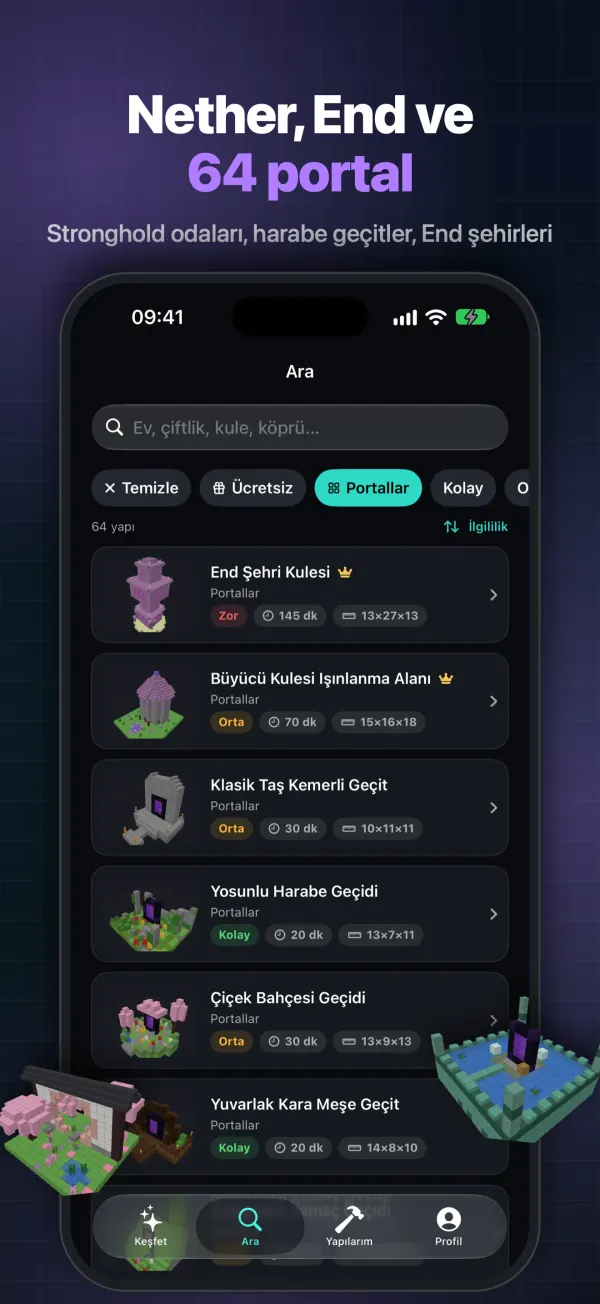
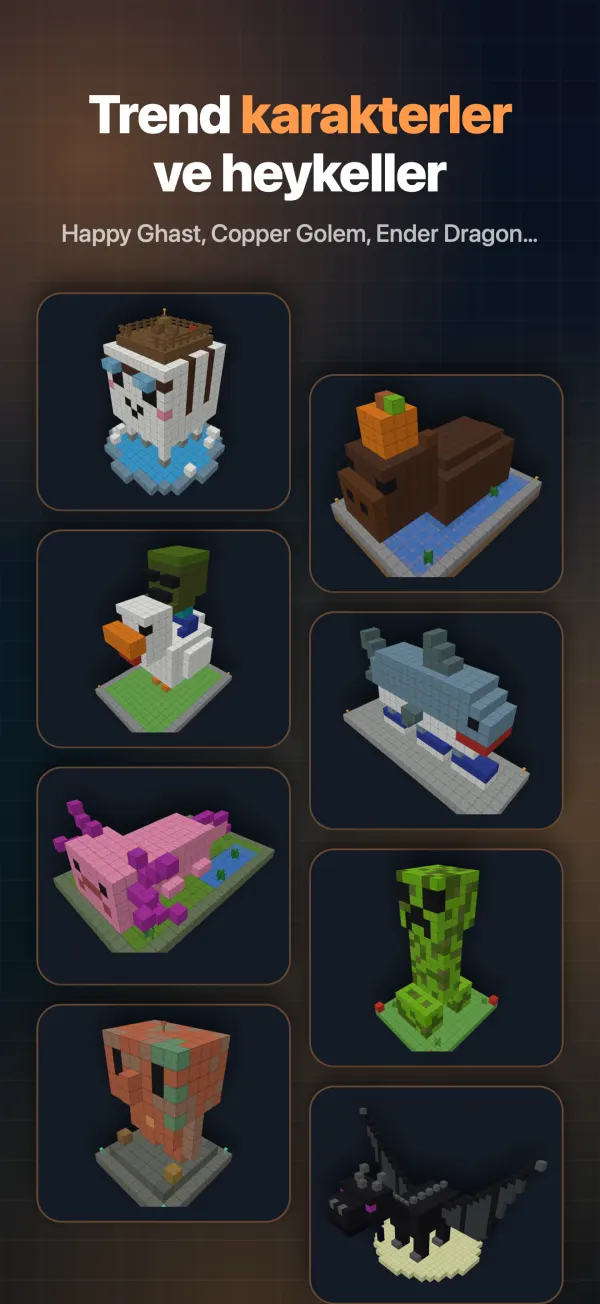
A peek at a few of the 600+ original builds waiting inside.
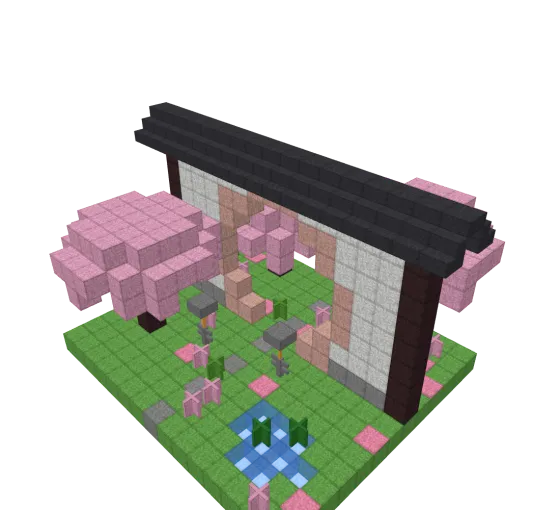
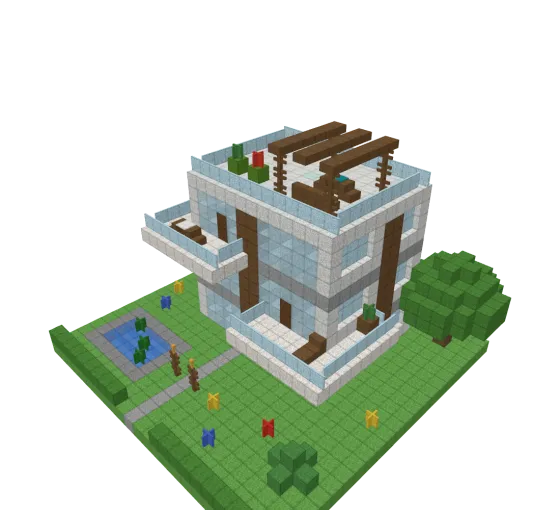
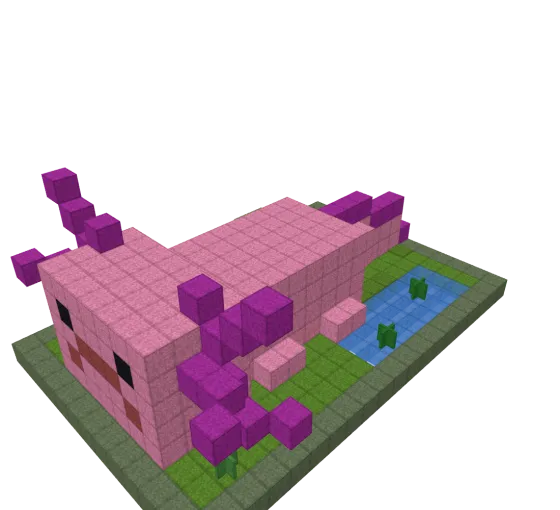
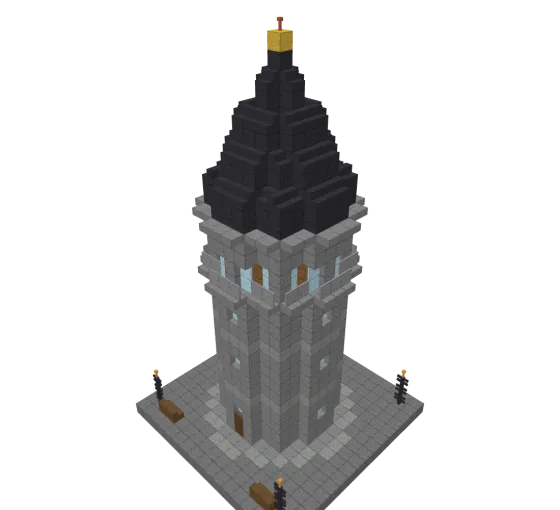
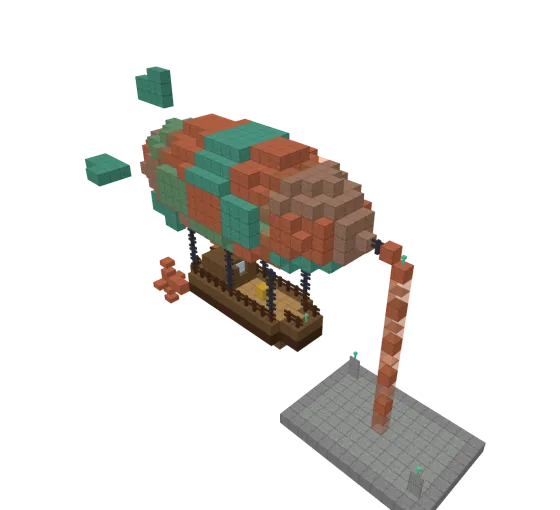
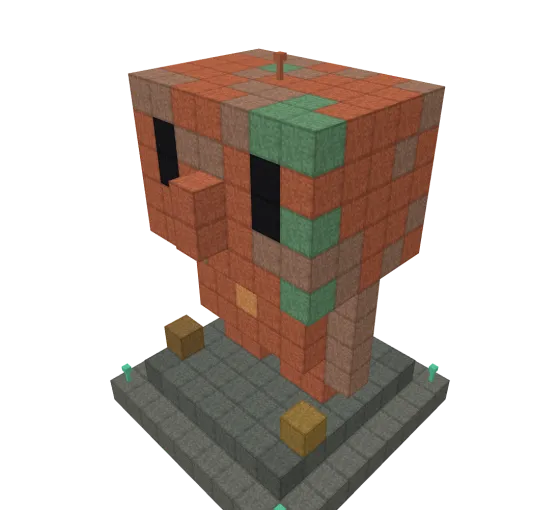
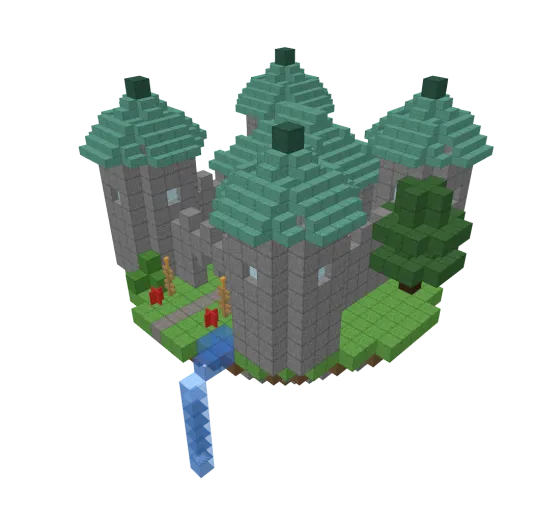
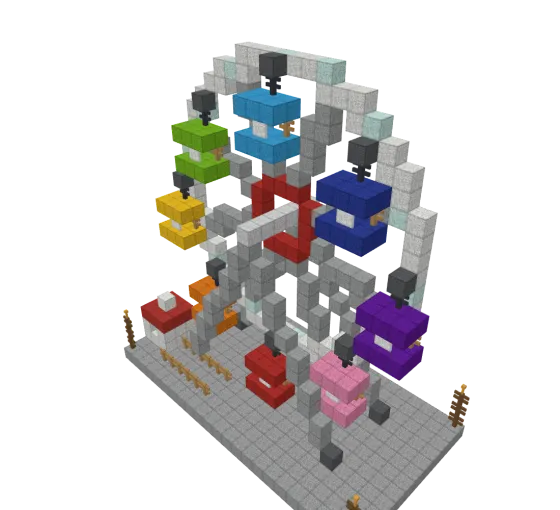
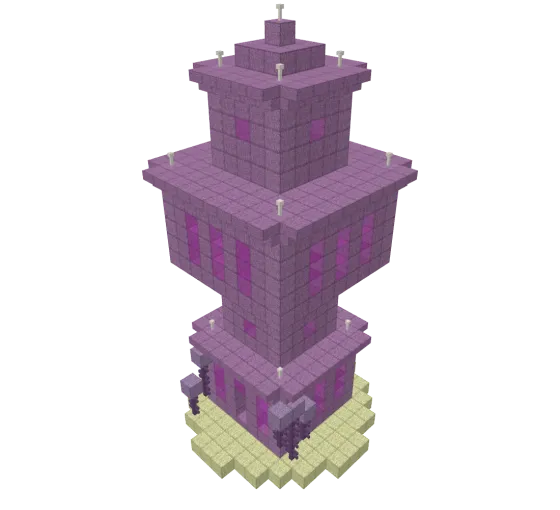
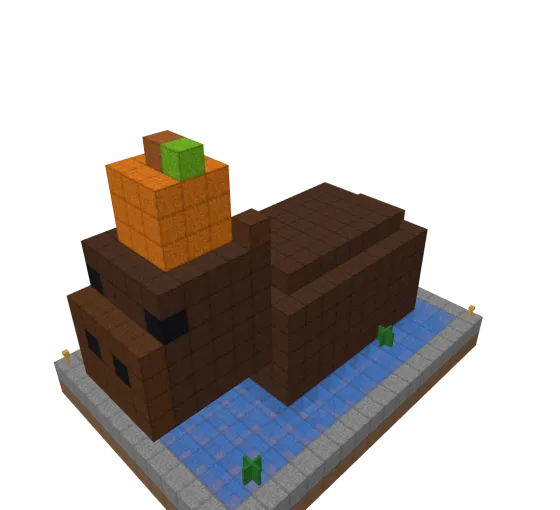
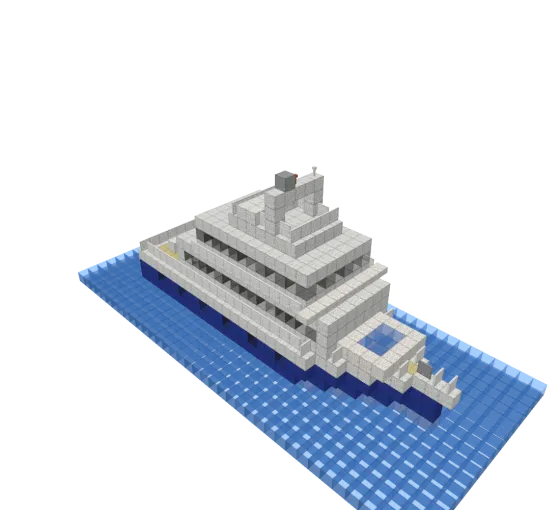
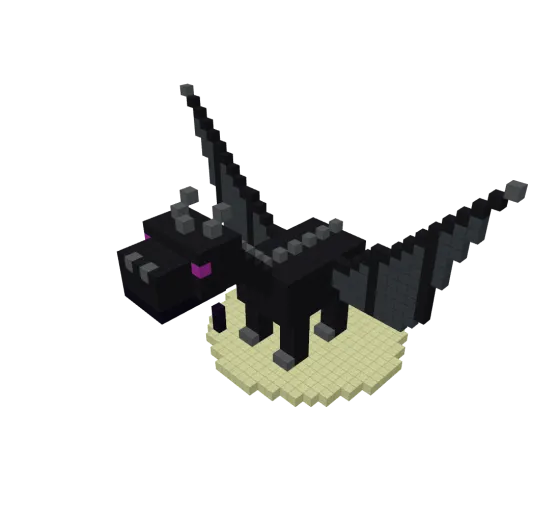
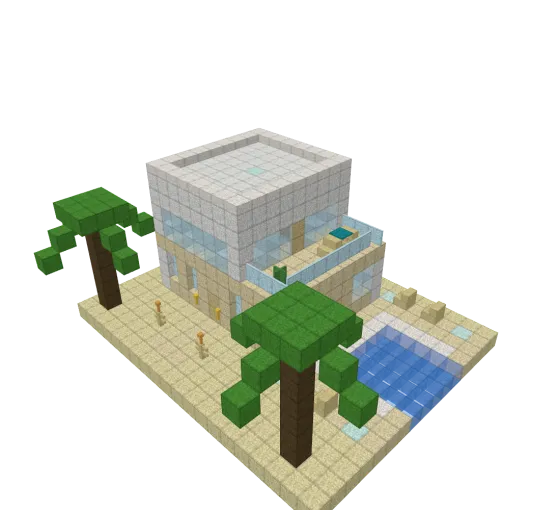
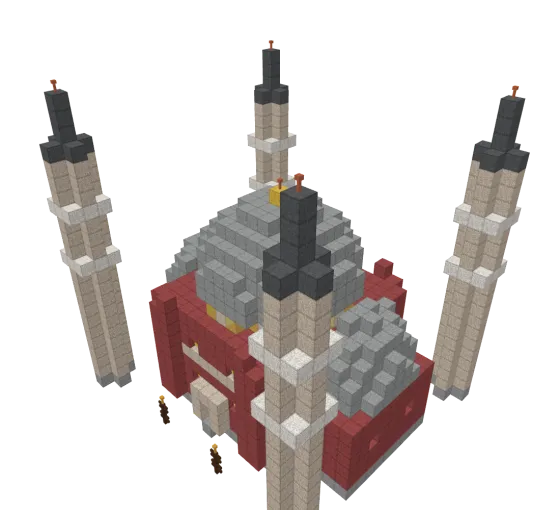
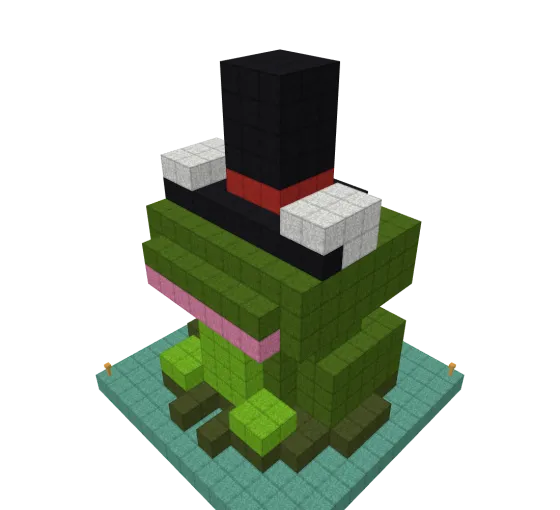
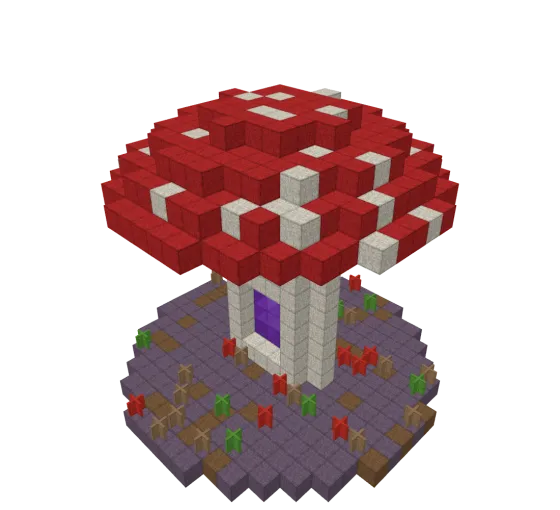
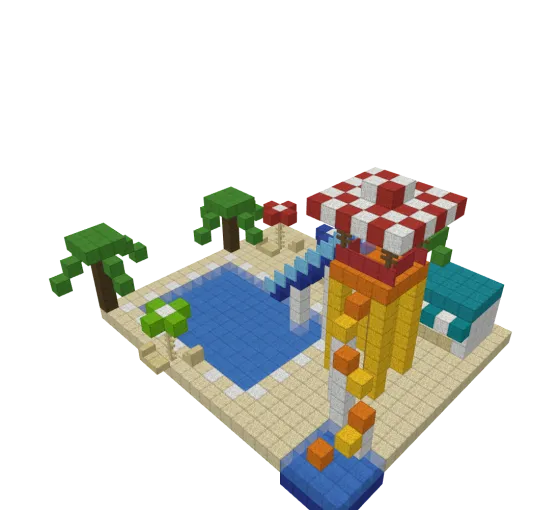
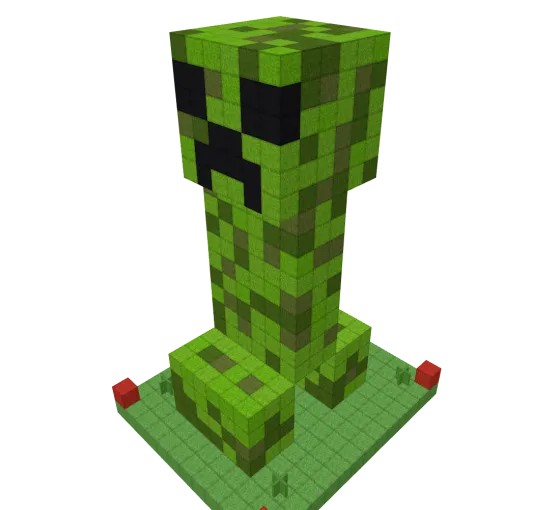
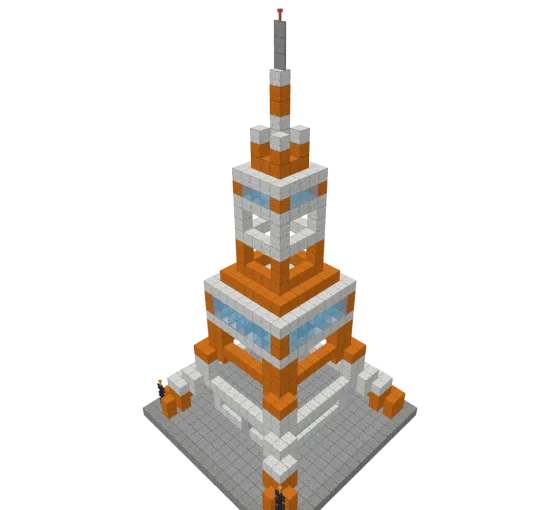
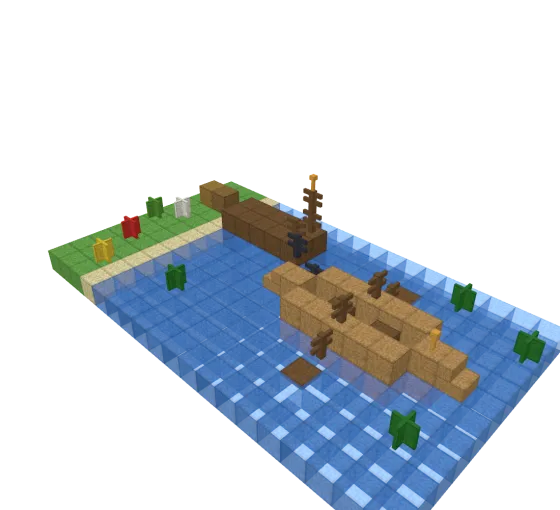
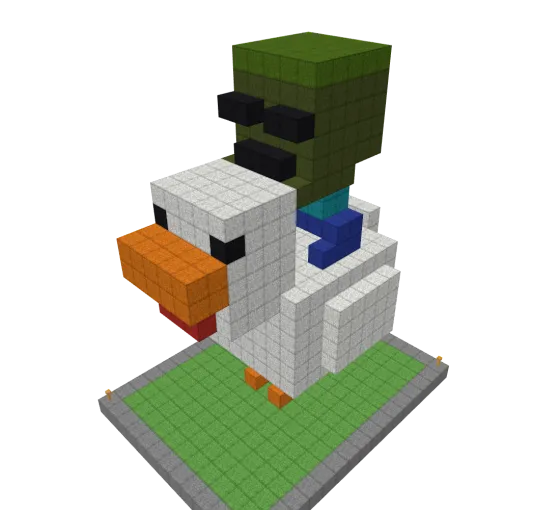
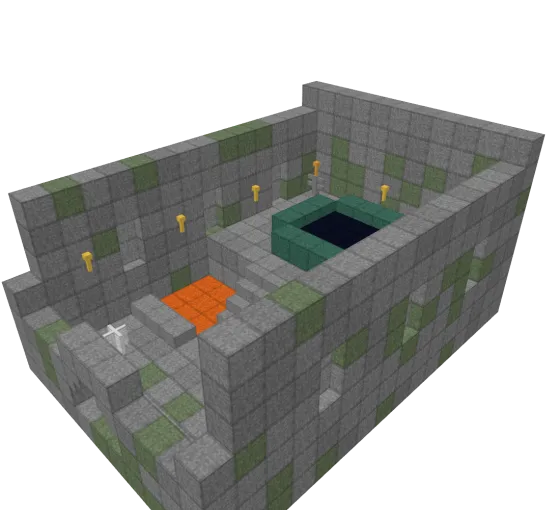
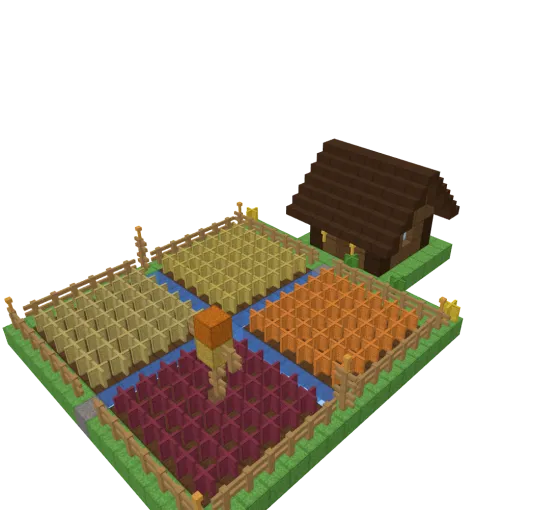
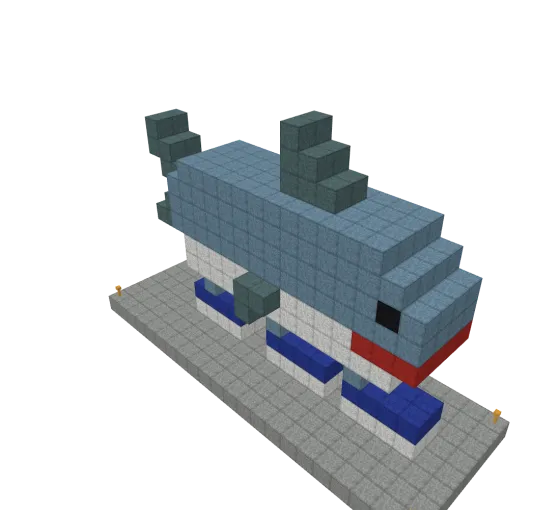
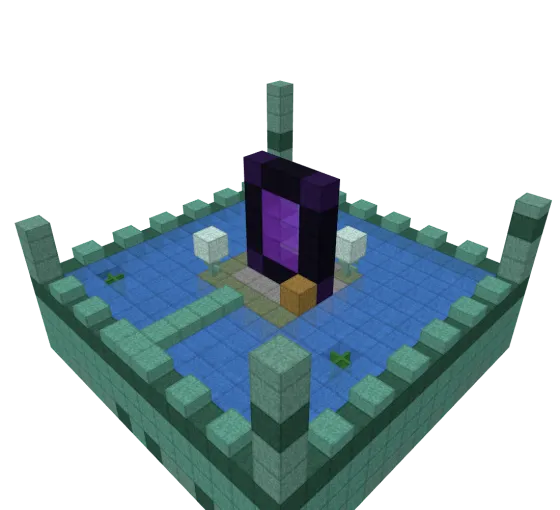
Seasonal specials, epic castles, modern villas and plenty of cute statues.
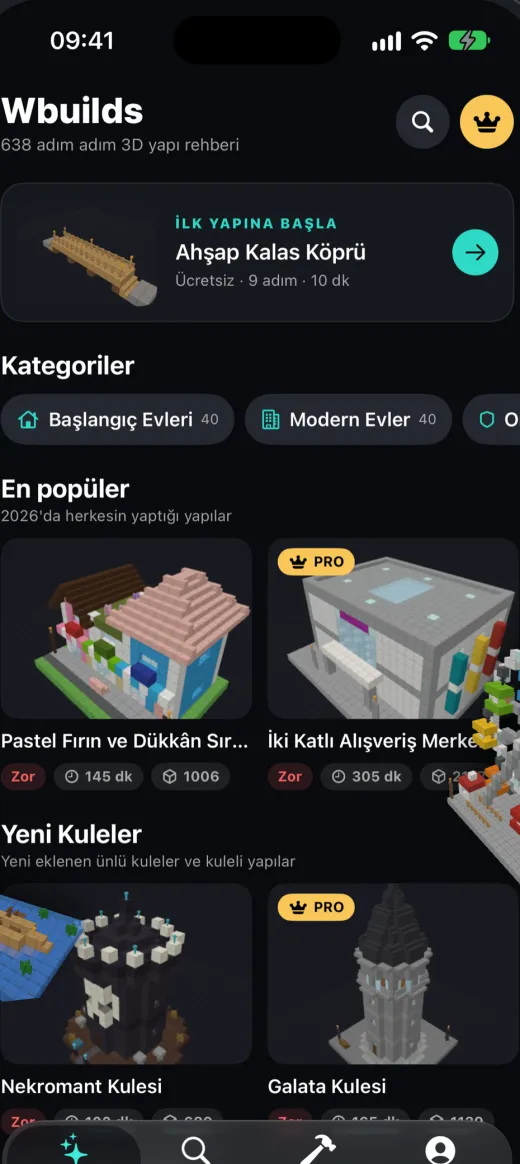
A quick tour of the app.
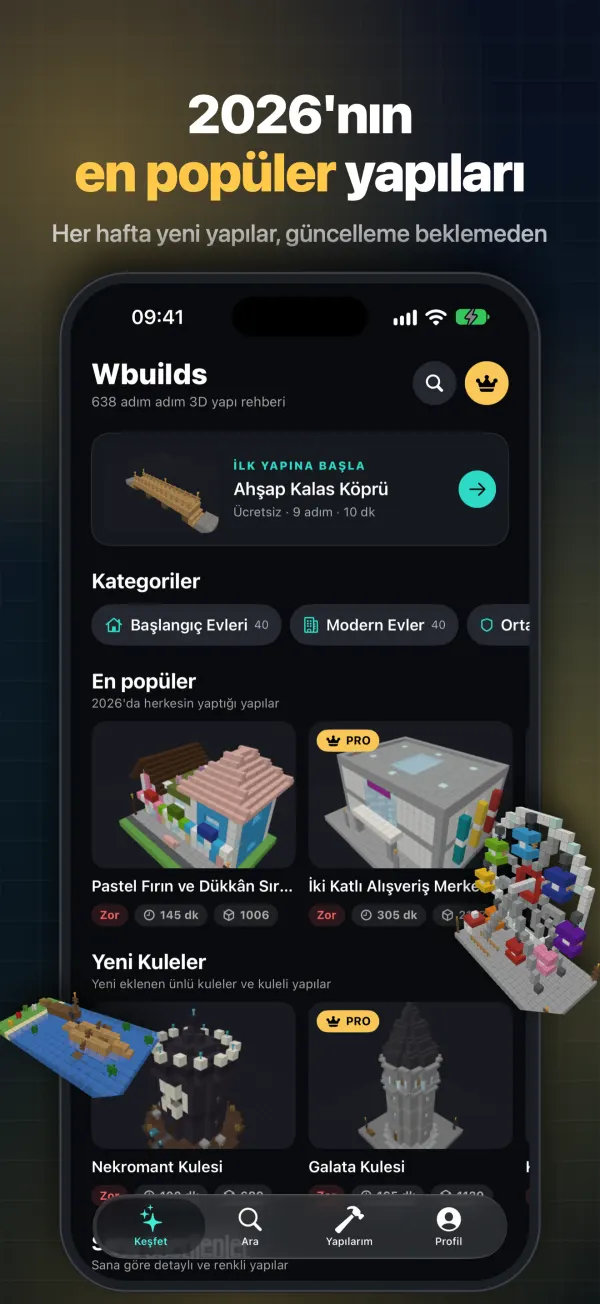
Start with the free builds. Pro unlocks the full catalog of 600+ guides and every new build we add. Choose a weekly, monthly or yearly plan and cancel anytime.
Download on theApp StoreYes – you can start with free builds right away. Blockprint Pro unlocks the full catalog and is available as a weekly, monthly or yearly subscription.
Each build is split into steps. Every step shows the blocks to place in the 3D model. Tap next when you are done; your progress is saved automatically.
Yes. Guides are stored on your device, so you can build without a connection.
Both. Guides include notes on block names and differences between editions.
New builds arrive every week and download over the air, without waiting for an app update.
iOS Settings > your name > Subscriptions > Blockprint > Cancel. Cancel at least 24 hours before the end of the current period to avoid renewal.
Download Blockprint and start your first build in seconds.
Download on theApp Store